August 23, 2026 • Kwame Osei-Bonsu • 11 min reading time • Prices verified June 18, 2026
eufy Smart Lock Ecosystem Deep Dive: C210, C30, C33, E330, S3 Max, and FamiLock for Every Door Type
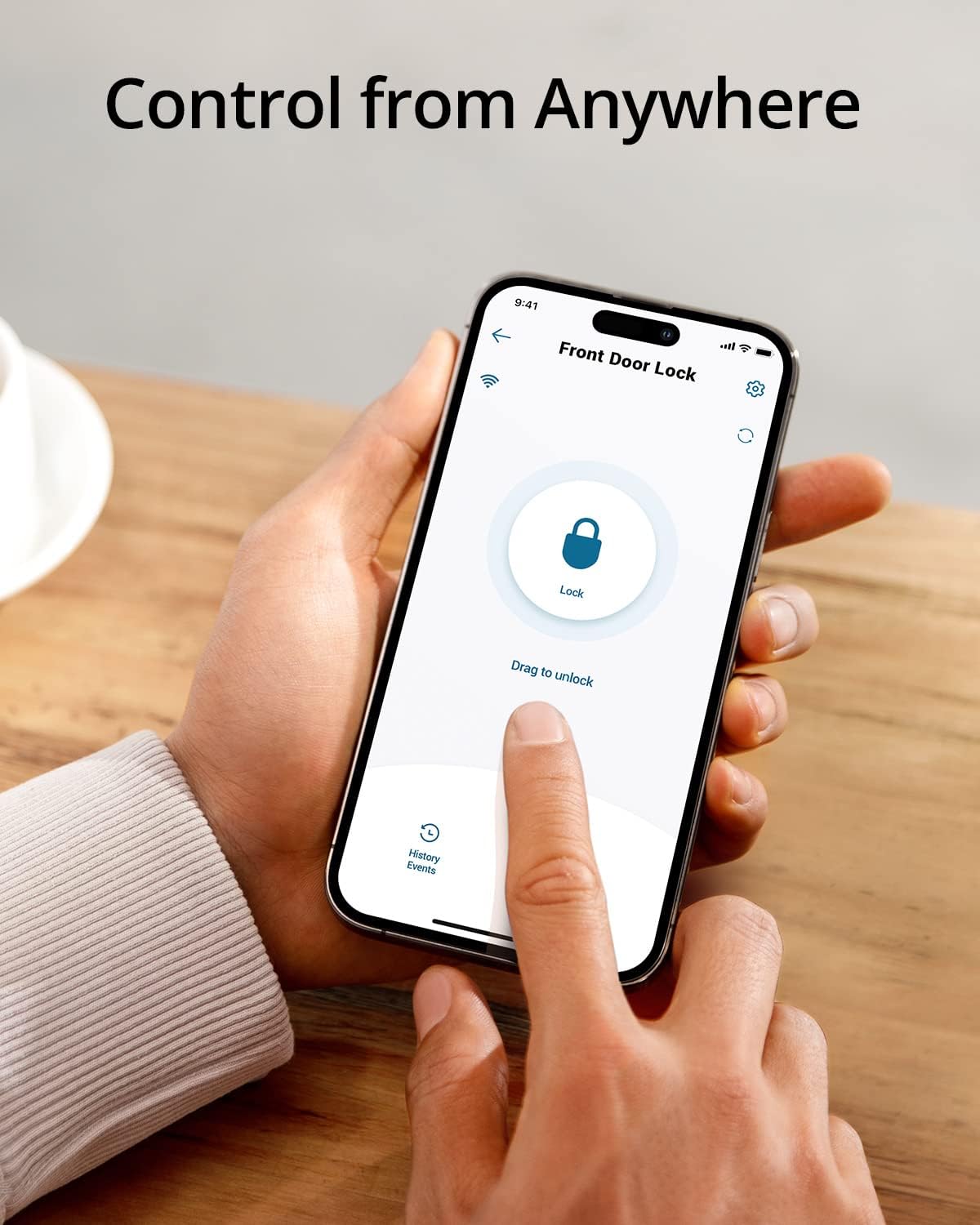
A smart lock replaces your traditional keyed deadbolt — or sometimes your entire door-latch-and-deadbolt assembly — with one that you can unlock using a fingerprint, a PIN code, a key fob, or your phone. Instead of fumbling for keys, you tap a sensor or punch in four digits. eufy (pronounced “you-fee”) is a brand under Anker Innovations that makes a full family of these locks, ranging from a simple retrofit deadbolt under $80 to a palm-vein scanner that reads the unique vein pattern in your hand like a fingerprint. This guide covers the six models you’ll encounter most: the C210, C30, C33, E330, S3 Max, and FamiLock. Whether you’re outfitting a rental unit, upgrading a primary home, or building a multi-door ecosystem, here’s exactly how the lineup stacks up — tradeoffs included.
| EDITOR'S PICKeufy Security Smart Lock FamiLo… | Mid-tiereufy Security Smart Lock C210 | Budget pickeufy Security Smart Lock C30 | |
|---|---|---|---|
| Palm vein | ✓ | — | — |
| Doorbell cam | ✓ (2K HDR) | — | — |
| Battery type | — | 4 AA | — |
| Keypad type | — | Touchscreen | — |
| BHMA certified | ✓ | — | ✓ |
| Price | $329.99 | $89.99 | $79.99 |
| See on Amazon → | See on Amazon → | See on Amazon → |
The Lineup at a Glance: What Each Model Is Actually For
Before comparing specs, it helps to understand eufy’s product logic. The lineup is tiered by credential type (how many ways you can unlock the door), connectivity (Bluetooth-only vs. Wi-Fi), and form factor (deadbolt-only vs. deadbolt-plus-handle combo vs. full video doorbell integration).
By the numbers:
| Model | Primary Credential | Wi-Fi Built-In | Form Factor | Approx. Battery Life |
|---|---|---|---|---|
| C210 | Fingerprint + PIN + Key | No (BT only) | Deadbolt retrofit | ~12 months |
| C30 | Fingerprint + PIN + Key | Yes | Deadbolt retrofit | ~6 months (varies) |
| C33 | Fingerprint + PIN + Key + Card | Yes | Lever handle + deadbolt combo | ~8 months |
| E330 | Fingerprint + PIN + Key + Video | Yes | Deadbolt + built-in video doorbell | ~6 months |
| S3 Max | Palm vein + Fingerprint + PIN + Key | Yes | Deadbolt retrofit | ~8 months |
| FamiLock | Fingerprint + PIN + Key + Card | No (BT + gateway) | Deadbolt + lever combo | ~12 months |
Battery life figures are manufacturer-rated under typical residential conditions; owner reports in high-traffic environments run shorter. See the C30 section for the real-world caveat.
The C210 is the entry point — a Bluetooth-only deadbolt retrofit that owners consistently describe as the most friction-free install in the lineup. Because it has no Wi-Fi radio, remote access requires either a eufy HomeBase (their hub device) or a phone nearby via Bluetooth. That limitation matters less than it sounds for a lot of buyers: if you’re adding your first smart lock to a rental unit where your primary goal is eliminating physical key handoffs, the C210 covers the use case cleanly. A two-year durability follow-up from a long-form owner review posted to a home-improvement community (widely cited across security-adjacent forums) shows the finish holding up without peeling or discoloration on an exterior door in a four-season climate — an unusually specific and credible data point given how often budget-tier finishes degrade.
The C30 adds Wi-Fi directly to the lock body, enabling remote locking, access-log review from anywhere, and temporary PIN creation without being home. This is where the landlord math gets interesting — and where the most actionable negative data in the whole lineup lives. A long-run review from a rental property operator documented battery drain falling to roughly four to six weeks on a door that logged 30-plus entries per day. The reviewer was explicit: this is the single flaw of an otherwise excellent lock. If your door sees that kind of cycle count — a busy Airbnb, a shared multi-family entry, a property manager’s office door — the C30’s Wi-Fi radio and fingerprint sensor combination simply consumes power at a rate that makes four-AA batteries a recurring maintenance item rather than a set-and-forget upgrade. Self-identify here before you buy: low-to-moderate traffic (a primary home with two to four residents) = no problem. High-cycle rental = budget for the battery cadence or look at the FamiLock with its gateway-based architecture, which separates the radio load from the lock body.
C33, E330, and FamiLock: Matching Form Factor to Your Door
The C33 is the model most worth flagging for renters and condo owners. It’s a lever-handle-plus-deadbolt combo in a single unit, which means if your door currently has a passage lever (the kind that doesn’t lock) alongside a separate deadbolt, the C33 replaces both in one installation. Reviewers at Tom’s Guide and Security Baron both note that the combined form factor simplifies install considerably compared to managing two separate smart devices on one door.
One C33 reviewer made a comparison that’s worth repeating: they came to eufy specifically after a frustrating experience with a Kwikset biometric lock where fingerprint reads were inconsistent. Their verdict after six months on the C33 was that recognition accuracy was meaningfully better — particularly with wet or cold fingers, which is the failure mode that plagues lower-end optical sensors. That’s a legitimate competitive signal for anyone evaluating eufy against Kwikset’s smart lock lineup.
Does the C33 work as a standalone lever without a separate deadbolt? No — the C33 is the combined unit. It includes both the lever mechanism and the deadbolt throw in one assembly. If your door has a standard bore spacing (the industry term for the distance between the two lock holes, typically 5-1/2 inches), the C33 fits as a direct replacement. If your door has a non-standard spacing or a single-bore setup, measure before ordering.
The E330 occupies a genuinely unique position in the lineup: it integrates a video doorbell camera directly into the lock body. Instead of running a separate Ring or Arlo doorbell alongside your deadbolt, the E330 handles both functions from one device. PCMag’s review of the E330 flags it as one of the cleaner hardware integrations in the video-lock category. The tradeoff is exactly what you’d expect: one device doing two jobs means battery load is significant, and the form factor is thicker than a standard deadbolt. Some owners report a first-unit defect pattern — a dead sensor or connectivity issue out of box — at a higher rate than the rest of the lineup. The practical mitigation is straightforward: register the device immediately, test all credential types (fingerprint, PIN, physical key) within the return window, and don’t wait to discover a problem after the return period closes. eufy’s warranty support on replaced E330 units gets consistently positive marks once you’re past the initial exchange.
The FamiLock is the model most worth considering for multi-unit property managers. It uses a gateway architecture — a small plug-in hub connects to your router, and the lock itself communicates via Bluetooth to the gateway rather than hosting its own Wi-Fi radio. This is the same logic that keeps the C210’s battery life high. The FamiLock adds a companion lever handle, card credential support (useful for handing access credentials to guests or housekeepers without app access), and a family-profile management layer in the eufy app that lets you assign different access levels to different users. For operators running three or more short-term rental units, the centralized access management is legitimately competitive with dedicated STR lock platforms.
S3 Max: The Palm Vein Lock and Its One Setup Gotcha
The S3 Max is the flagship, and the palm vein feature generates genuine enthusiasm in owner reviews — it’s not a gimmick at this price point. Palm vein recognition works by reading the unique infrared pattern of veins below your skin’s surface, which means it functions in direct sunlight, through light gloves, and with wet or dirty hands where optical fingerprint sensors fail. Owners consistently describe enrollment as taking about 90 seconds and recognition as more reliable than any fingerprint sensor they’ve used previously.
There is one documented setup issue worth knowing before you start the install: a subset of owners report a Bluetooth pairing failure during initial setup, where the lock and the eufy app can’t find each other. The fix is specific and consistent across reports — pull the batteries, wait 30 seconds, reinsert, and attempt pairing again. This appears related to the 2.4 GHz Bluetooth initialization sequence and resolves reliably with the battery-pull reset. It’s not a defect requiring a return; it’s a setup quirk. Flag it on your install day so you don’t spend 45 minutes troubleshooting what a 30-second fix will resolve.
Ecosystem Fit: Where eufy Thrives and Where It Doesn’t
If you’re already running eufy cameras and a HomeBase hub, the smart lock lineup integrates cleanly — access logs, camera triggers on door events, and unified app management all work as advertised. TechRadar’s 2026 smart lock roundup notes eufy’s in-ecosystem experience as one of the smoother self-monitored setups in the mid-tier category.
If you’re expecting deep third-party integration, temper expectations. Amazon Alexa voice commands work for status checks (“Alexa, is the front door locked?”) and can trigger locking, but unlocking via Alexa requires a PIN for security reasons — that’s a deliberate design choice, not a bug. Apple HomeKit compatibility exists on select models (verify at purchase, as firmware updates have changed this across SKUs), but the implementation has drawn mixed reviews: basic lock/unlock commands work, but automation depth is more limited than what you’d get with a native HomeKit lock like the Yale Assure 2. Google Home support is present but similarly limited in depth. If your home automation stack is heavily Alexa- or HomeKit-dependent, the integration gaps are real — price them into your decision.
The ecosystem lock-in question matters most for long-run cost: eufy doesn’t charge a monthly subscription for core access-log features or remote unlocking, which gives it a real total-cost-of-ownership advantage over subscription-dependent competitors over a three-to-five-year horizon. SafeWise’s smart lock buying guide (updated Q1 2026) identifies subscription-free remote access as one of eufy’s most consistent competitive advantages versus Ring and August in the same price bands.
Frequently Asked Questions
Why won’t my eufy smart lock connect to Wi-Fi during setup? The most common cause is a 5 GHz vs. 2.4 GHz network mismatch — eufy locks require a 2.4 GHz network. During setup, temporarily disable your 5 GHz band or connect your phone to a 2.4 GHz-only SSID before pairing. If you’re on a mesh network, confirm your router isn’t forcing dual-band aggregation.
Does the eufy C33 work as a standalone lever lock without a separate deadbolt? No — the C33 is a combined lever-and-deadbolt unit. It replaces both functions in one assembly. It does not function as a lever-only passage lock.
How long do batteries actually last on the C30 in a busy household or rental? Manufacturer-rated life is approximately six months under typical residential conditions. Owners in high-traffic environments (rental doors seeing 20-plus daily cycles) report four to six weeks. If your door sees that volume, build a battery-change cadence into your maintenance schedule or evaluate a gateway-based model like the FamiLock.
Can eufy smart locks integrate with Apple HomeKit or Amazon Alexa? Alexa integration works for locking and status checks; unlocking requires a spoken PIN. HomeKit is supported on select models with firmware limitations on automation depth. Verify HomeKit compatibility on the specific SKU before purchasing if HomeKit is a priority.
What happens if the fingerprint sensor fails — can I still get into my house? Yes. Every eufy lock includes a physical key override. The keyway is covered by a discreet cap on most models. Backup PIN entry via the keypad is also available. You will not be locked out if the biometric sensor fails.
Does the eufy E330 replace both the doorbell and the deadbolt, or just the lock? The E330 replaces your deadbolt and adds an integrated video doorbell in the same unit. It does not replace a separate passage lever or handle — it installs in your existing deadbolt bore hole. Your existing passage lever (if any) remains in place.
The Decision Rule
If you’re running a single primary home with moderate traffic and want a clean, subscription-free ecosystem: the C30 or C33 (depending on whether you need a lever combo) cover the use case with strong fingerprint reliability and solid app management.
If you’re a landlord or STR operator with three or more units: the FamiLock’s gateway architecture and user-profile management justify the extra setup step, and the battery economics are meaningfully better at scale.
If you’re building a video-plus-lock integration on a single entry door and don’t want two separate devices: the E330 is the right tool — just test all functions within your return window.
If you want the most capable biometric entry point available in eufy’s lineup and are comfortable with a minor setup quirk: the S3 Max palm vein scanner delivers the recognition reliability that optical sensors promise but don’t always deliver.
And if you’re at the very beginning of a smart lock journey and want to prove the concept before committing to a full ecosystem: the C210’s long-term finish durability and clean install make it the lowest-risk starting point in the lineup.