September 2, 2026 • Kwame Osei-Bonsu • 12 min reading time • Prices verified June 18, 2026
Indoor Security Cameras as Care Monitors: Blink Mini, Ring Indoor, Tapo C200, and Wyze for Watching Elderly Family and Pets
Most people assume security cameras exist to catch intruders. But the more you read actual owner reviews — the long, specific ones left by people who’ve lived with these devices for months — the more a different story emerges. The most emotionally invested buyers aren’t protecting against break-ins. They’re watching a parent who lives alone and recently had a fall. They’re checking whether the dog knocked over the water bowl again. They’re listening for a baby, or speaking through a camera’s built-in microphone to a family member who can’t easily reach a phone. An indoor camera used this way is less a security device and more a care tool — and that reframes everything about how you should evaluate one. This guide is built around that specific use case: what these four widely owned cameras actually deliver when your goal is visibility, communication, and peace of mind across a household or across town.
The Care-Monitoring Use Case Is Different — Here’s Why It Matters
When a camera’s job is deterrence, latency, image sharpness, and clip storage are the headlines. When its job is care monitoring, the priorities shift in ways that aren’t always obvious from spec sheets.
What matters most for care monitoring:
- Two-way audio quality — Can you actually have a conversation, or does it sound like a walkie-talkie in a tunnel?
- Night vision clarity — Enough to identify a face and confirm someone is breathing normally, not just detect that something is moving?
- Alert precision — Person-only detection so you don’t get 200 motion alerts per day from a cat or a ceiling fan, and can actually notice when something real happens.
- Subscription dependency — If you’re monitoring an elderly relative who can’t troubleshoot tech, the setup needs to stay functional without constant account management. Can it do anything useful without a paid plan?
- Reliability over time — A camera that randomly goes offline, needs rebooting, or stops connecting is a liability when you’re trusting it to tell you whether someone is okay.
The four cameras in this guide — Blink Mini, Ring Indoor Cam, Tapo C200, and Wyze Cam (v3 and v4) — are the ones that consistently surface in care-monitoring conversations because they hit the sweet spot of affordable, widely available, and genuinely capable. Each has meaningful tradeoffs. Let’s go through them honestly.
By the Numbers: Subscription Costs Over Three Years
| Camera | Base price (est.) | Free local storage? | Cloud plan (basic) | 3-year cloud cost |
|---|---|---|---|---|
| Blink Mini | ~$35 | No (requires Sync Module 2 for USB) | ~$3/mo per cam | ~$108 |
| Ring Indoor Cam | ~$60 | No | ~$5/mo (Basic) | ~$180 |
| Tapo C200 | ~$25 | Yes (microSD, up to 128GB) | Optional (~$3/mo) | $0–$108 |
| Wyze Cam v3/v4 | ~$35 | Yes (microSD) | Optional (~$5/mo) | $0–$180 |
Prices reflect market estimates as of mid-2026. Cloud plans billed annually are typically ~15–20% cheaper than monthly. Tapo and Wyze allow full local recording without any subscription, which is a meaningful advantage for long-term deployments.
Camera-by-Camera Analysis for Care Monitoring
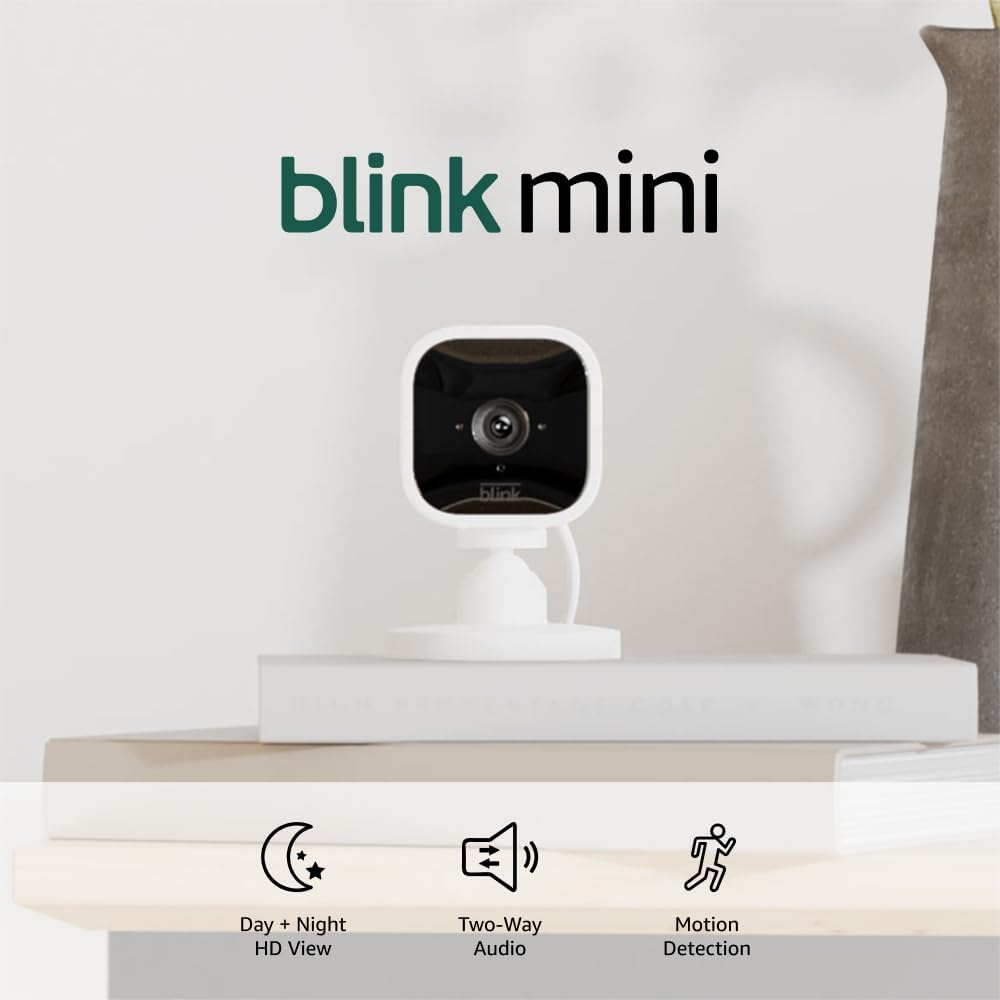
Blink Mini: Simple, Affordable, Audio Limitations Noted
The Blink Mini’s strongest selling point for care monitoring is its simplicity. Setup is fast, the app is clean, and Alexa integration means you can pull up a live view on an Echo Show without touching your phone — genuinely useful if you’re monitoring an elderly relative who also uses Alexa devices in their home.
The limitation owners flag most often is audio. Across aggregated reviews on platforms tracked by PCMag and SafeWise, Blink Mini’s two-way audio is described as functional but thin — adequate for quick check-ins, noticeably compressed for actual conversation. If the goal is speaking meaningfully to a family member who is hard of hearing or simply needs clear communication, this is a real constraint rather than a nitpick.
The other significant tradeoff: free local storage requires purchasing Blink’s Sync Module 2 separately and plugging in a USB drive. Without it, you’re paying for cloud clips or getting no recorded history at all. For a camera that costs $35, the effective entry cost for a self-contained setup is closer to $70–$80. That’s not a dealbreaker, but it should be in your math.
Night vision is adequate at short range (under 15 feet in a typical bedroom or living room) but owners consistently note it loses detail at longer distances compared to Wyze or Tapo at similar price points.
Care-monitoring verdict: Best for Alexa households wanting simple check-ins. Budget for the Sync Module if you need recording. Upgrade if two-way audio quality is a priority.
Ring Indoor Cam: Best Two-Way Audio, Highest Subscription Dependency
Ring Indoor Cam (second generation) is the camera reviewers at Tom’s Guide and CNET consistently reach for when two-way audio quality is the headline requirement. Owners in long-term reviews specifically describe using it to speak with family members through the camera — not just to announce presence, but to hold a short conversation. One widely cited use case involves a caregiver checking on a family member with limited mobility and using the microphone as a primary communication touchpoint multiple times per day. The audio latency and speaker quality on Ring Indoor Cam are meaningfully better than Blink Mini in this context.
The tradeoff is subscription dependency. Ring’s free tier is extremely limited — you get live view but no clip history without Ring’s Basic plan (approximately $5/month per device as of mid-2026, or $10/month for unlimited devices on the Plus plan). Unlike Tapo or Wyze, there is no microSD slot on the standard Ring Indoor Cam. If you cancel Ring Protect, you lose all stored footage and most smart features. This is not a secondary concern for care monitoring — it means the camera’s usefulness is structurally tied to an ongoing payment that could be forgotten, lapse, or change in pricing.
Person-detection is solid on Ring with a Protect subscription. Without it, you get basic motion alerts only, which in a home with pets means alert fatigue very quickly.
Care-monitoring verdict: The strongest two-way audio option in this tier. The right choice if you’re already in the Ring ecosystem or prioritize voice communication. Commit to the subscription cost as a line item — don’t treat it as optional.
Tapo C200: Best Local Storage + Person Detection for Mixed Households
The Tapo C200 earns a specific kind of loyalty from owners who wanted care monitoring without an ongoing bill. It supports microSD cards up to 128GB natively, records continuously or on motion to local storage at no cost, and TP-Link’s Tapo app offers person-only detection that owners consistently praise for working accurately in homes with pets.
Multiple reviewers — including detailed accounts surfaced in CNET’s indoor camera coverage — specifically mention buying the C200 after a family member experienced a health event, with person-only detection flagged as the feature that made the camera actually usable. A house with a dog or cat will generate hundreds of motion events per day without filtering. Person-only detection collapses that to the meaningful alerts: someone entered the frame, someone fell, someone is moving when they shouldn’t be — or isn’t moving when they should be.
Night vision on the C200 uses a physical privacy shutter (which owners appreciate as a consent tool) and provides solid face-level clarity at typical indoor ranges. It’s not the sharpest night image in this group, but reviewers consistently rate it sufficient for confirming whether someone looks okay versus clearly distressed.
Two-way audio is functional but, like the Blink Mini, owners describe it as better for brief communication than extended conversation.
Care-monitoring verdict: The best no-subscription option for mixed households. Person-only detection works well. Audio is adequate but not exceptional. Strongest long-term TCO (total cost of ownership) in this group.
Wyze Cam v3/v4: Reliability Track Record, Flexible Storage, Ecosystem Maturity
Wyze has been in this market long enough to have a real durability track record, which matters for care monitoring in ways it doesn’t for a camera you’d replace on a seasonal upgrade cycle. Owners report Wyze Cam v3 units functioning normally after two or more years of continuous operation — one well-circulated owner account describes a v3 left unused for two years that returned to full function immediately when plugged back in. For a camera pointed at an elderly relative’s living room that needs to quietly work for years without maintenance, that kind of track record matters.
Wyze Cam v4 adds 2K resolution (the others in this group are 1080p) and improved night vision, which is relevant specifically for care monitoring: higher resolution and better low-light performance mean you can read facial expressions, see whether someone’s color looks normal, and confirm at a glance whether a person is on the floor when they shouldn’t be. Wirecutter’s home security camera coverage notes Wyze’s image quality as a standout relative to its price tier.
Wyze offers microSD local recording with no subscription required, plus an optional Cam Plus plan (~$5/month) that adds person detection, package detection, and extended cloud history. Person detection without the subscription is basic motion-triggered; with it, it becomes genuinely useful for alert filtering in pet households.
Care-monitoring verdict: The most mature platform in this tier with the strongest reliability data. v4’s resolution advantage is meaningful for face-identification at range. Worth the Cam Plus subscription if alert precision matters to you.
The Consent and Privacy Conversation You Should Have Before Installing
Pointing a camera at a security threat and pointing one at a person who trusts you are ethically different situations, and it’s worth naming that directly. Owners and ethicists writing about elder care technology — including coverage by Apartment Therapy and consumer advocacy organizations — consistently note that cameras monitoring elderly family members should involve explicit conversation and ongoing consent wherever possible, not installation-by-surprise.
Concrete steps worth taking: Tell the person being monitored where cameras are placed and why. Give them a physical privacy shutter option (Tapo C200 has one built in; others can be covered manually). Agree on what footage is retained and who has access. If the person being monitored is cognitively impaired, loop in other family members or a care coordinator. These aren’t legal requirements in most residential contexts, but they’re the difference between a care tool and a surveillance situation — and the people who use these cameras well consistently describe the former.
On the data privacy side: Ring footage is processed through Amazon’s infrastructure. Wyze had a documented data incident in 2019 (reported extensively by The Verge and security researchers at the time) and has since updated its security architecture, but it’s worth knowing the history. Tapo/TP-Link operates with data routed through TP-Link’s cloud, which some users with privacy concerns prefer to mitigate via local-only storage mode. Published security analyses from NIST’s guidance on IoT device security recommend isolating camera devices on a dedicated network segment — a simple router setting that limits what a compromised camera could access.
Frequently Asked Questions
Can I monitor an elderly family member with an indoor camera without a subscription? Yes, but the camera choice determines how useful it is. Tapo C200 and Wyze Cam v3/v4 both record to a microSD card with no subscription required. Ring Indoor Cam and Blink Mini (without a Sync Module) offer very limited functionality without a paid plan — live view only, no stored clips.
Which indoor camera has the best two-way audio for actually speaking to someone in another room? Ring Indoor Cam is the consistent answer across owner reviews and editorial coverage. It’s the one owners describe using for real conversation, not just brief announcements. Wyze Cam v4 is a reasonable second. Blink Mini and Tapo C200 are adequate for check-ins but fall short for extended communication.
Does person-only detection work well enough to avoid constant alerts from pets? Tapo C200 owners are the most consistently satisfied on this specific question — the person-only filter is frequently praised for ignoring pets accurately. Wyze Cam Plus adds effective person detection. Ring’s person detection (with Protect subscription) works well. Blink’s detection is more basic at the entry tier.
How clear is night vision for identifying faces rather than just detecting motion? Wyze Cam v4’s 2K resolution and improved IR night vision give it the clearest face-level detail in this group at typical indoor ranges. Ring Indoor Cam is solid at close range. Tapo C200 and Blink Mini are adequate for confirming presence but show more compression at distance.
What happens to my footage if I cancel a cloud subscription — do I lose everything? For Ring: yes, cloud clips are deleted when Protect lapses. For Blink: same. For Wyze and Tapo: your locally stored microSD footage is unaffected by subscription status — you keep everything on the card. This is a meaningful reason to prefer local-storage cameras for long-term care deployments.
Can I use an indoor camera as both a pet monitor and a security camera at the same time? All four cameras support this without any configuration change. The practical question is whether person-only detection (available on Tapo and Wyze with subscriptions, Ring with Protect) can distinguish between your pet triggering an alert and a human intruder. It generally can, and owners in multi-pet households confirm this works well enough for real-world use.
The Decision Rule
If you need the clearest two-way audio and are already paying for Ring ecosystem products: Ring Indoor Cam, and budget $180 over three years for the subscription.
If you want zero subscription cost, person-only detection that handles pets accurately, and long-term deployment without account management: Tapo C200 with a 64GB or 128GB microSD card.
If you want the best image quality for face-level identification at range, a mature reliability track record, and flexible local-plus-cloud options: Wyze Cam v4 with Cam Plus.
If you’re deep in an Alexa household and simplicity of setup is the primary constraint: Blink Mini — but buy the Sync Module 2 at the same time and budget for cloud storage.
The cameras themselves are the easy part. The harder work is the consent conversation with the person being monitored, the privacy decision about cloud versus local storage, and the honest accounting of subscription costs across the years you’ll actually use it. Do that work up front, and any of these cameras will serve the use case well.