September 18, 2026 • Kwame Osei-Bonsu • 11 min reading time • Prices verified June 18, 2026
Pet and Baby Monitor Cameras: Blink Mini, Wyze, Tapo, and Ring Indoor Compared for Always-On Home Watching
If you’ve ever pulled up your phone in the middle of a workday just to check whether the dog knocked over the trash again, you already understand what this camera category is really for. These four plug-in indoor cameras — the Blink Mini 2K+, Wyze Cam v4, TP-Link Tapo C200, and Ring Indoor Cam (2nd Gen) — are marketed as home security devices, but a huge portion of their owners are using them for something softer: watching a new puppy, checking on a sleeping infant, tracking a backyard chicken brooder, or keeping an eye on an elderly cat. That’s a legitimate and demanding use case, because “always-on watching” means the camera needs to stream reliably for hours, handle low-light rooms gracefully, and not nickel-and-dime you with a monthly bill just to see what’s happening right now. This comparison cuts through the spec-sheet noise and gives you the decision framework you need before you commit.
| EDITOR'S PICKWYZE Cam v4 (Latest Model) | Mid-tierTP-Link Tapo 1080P Indoor Secur… | Budget pickBlink Mini - Compact indoor plu… | |
|---|---|---|---|
| Resolution | 2.5K | 1080P | 1080p HD |
| Night vision | Color | ✓ | ✓ |
| Local storage | — | SD card | — |
| Two-way audio | — | ✓ | ✓ |
| Smart home | — | Alexa & Google | Alexa |
| Price | $35.97 | $15.96 | $9.99 |
| See on Amazon → | See on Amazon → | See on Amazon → |
What “Always-On” Actually Demands From a Budget Indoor Camera
Most security cameras are engineered around an event model: motion triggers recording, clip gets saved, alert gets pushed. That’s fine for theft detection. It is genuinely bad design for pet or baby monitoring, where you want to open the app and see — continuously, on demand, without waiting for a motion clip to load.
The four cameras here all support live view (the ability to stream video in real time from the app), but they differ significantly in how reliably that live view connects, how long it stays stable, and what it costs you over time.
The on-demand live-view distinction matters more than resolution. A 1080p camera that connects in two seconds beats a 2K camera that takes eight seconds and drops the stream every few minutes. Connection latency is consistently the first thing owners flag in long-term use — not megapixels.
Subscription structure shapes the long-term value more than the sticker price. Three of these four cameras offer meaningful free tiers. One does not. That asymmetry becomes the central decision point for anyone planning to run these cameras continuously for years.
Head-to-Head: The Four Cameras
Wyze Cam v4 — The Endurance Argument
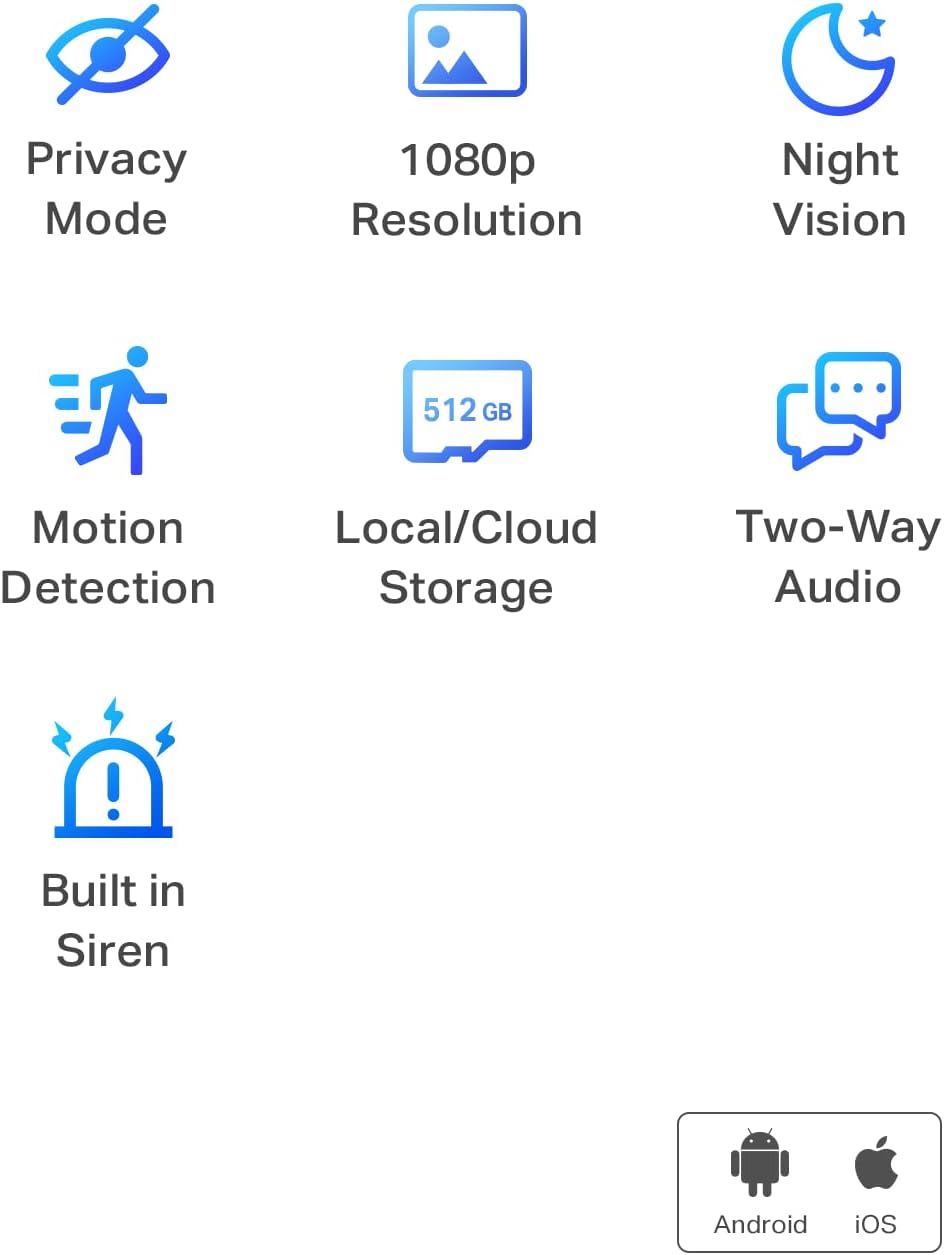
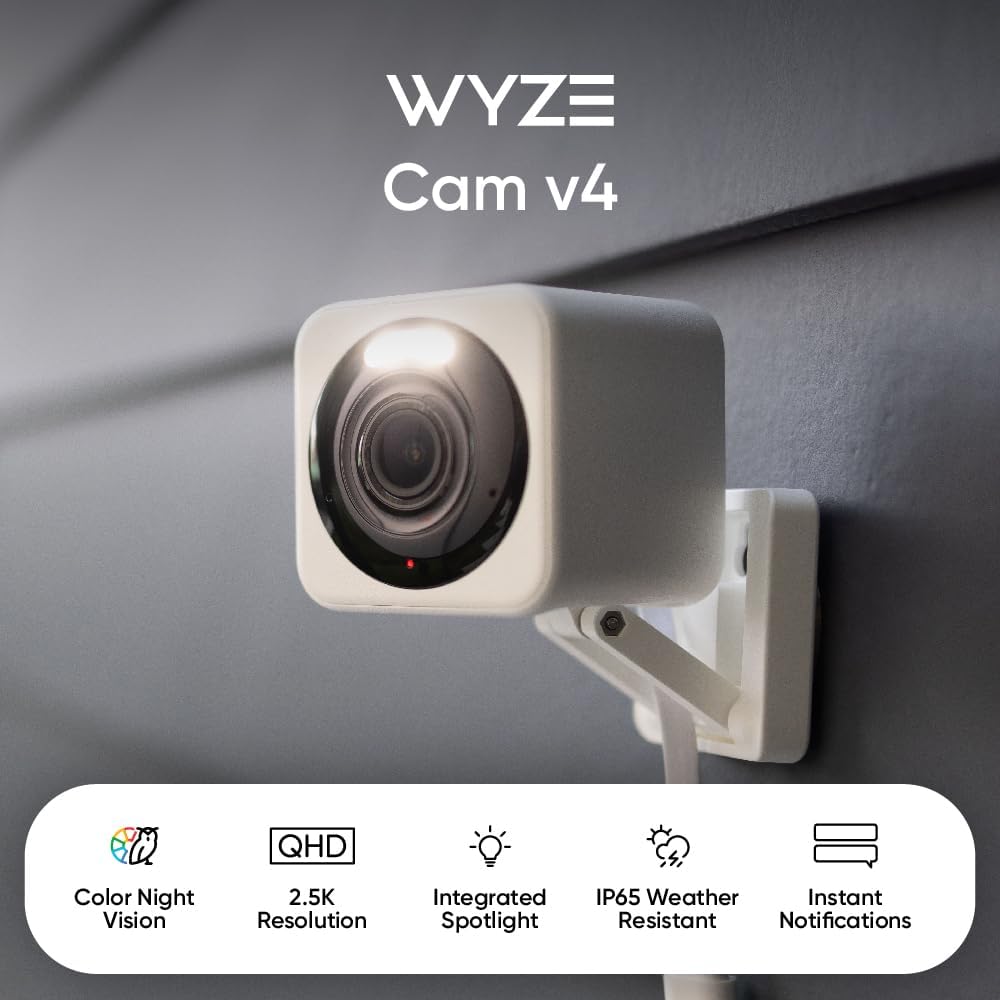
Wyze has built its reputation on stubborn value, and the v4 continues that tradition. Published specs list 2.5K resolution, color night vision, a built-in spotlight, and a microSD card slot that accepts cards up to 256GB — all without requiring any subscription to function.
That last part is the headline for always-on use. Wyze Cam v4 records continuously to a local SD card at no ongoing cost. Tom’s Guide, in their Wyze Cam v4 review, notes that the free tier includes event-based cloud clips (12 seconds, with a five-minute cooldown between clips), but the real value for pet and baby monitoring is continuous local recording, which runs entirely offline. You can pull up live view, scroll back through SD card footage, and never touch a subscription.
Color night vision — the onboard spotlight activates to illuminate a dark room in color rather than infrared black-and-white — is a genuine differentiator for baby room monitoring. Reviewers at Tom’s Guide and SafeWise both rate this feature as more practical for checking on a sleeping infant than traditional IR night vision, because you see actual color without switching on a room light.
One honest caveat: Wyze’s cloud infrastructure has had documented reliability issues. SafeWise, in their Best Indoor Security Cameras roundup (2025), notes that Wyze’s privacy track record includes a 2023 incident in which users temporarily saw other users’ camera feeds — a serious event the company addressed with structural changes, but one worth knowing before you commit to cloud-connected use. Mitigate the risk by keeping the camera on local-only storage if cloud connectivity isn’t required for your monitoring setup.
Blink
$9.99
In stock on Amazon
Check price on AmazonBlink Mini 2K+ — Best-in-Class Live View for the Price
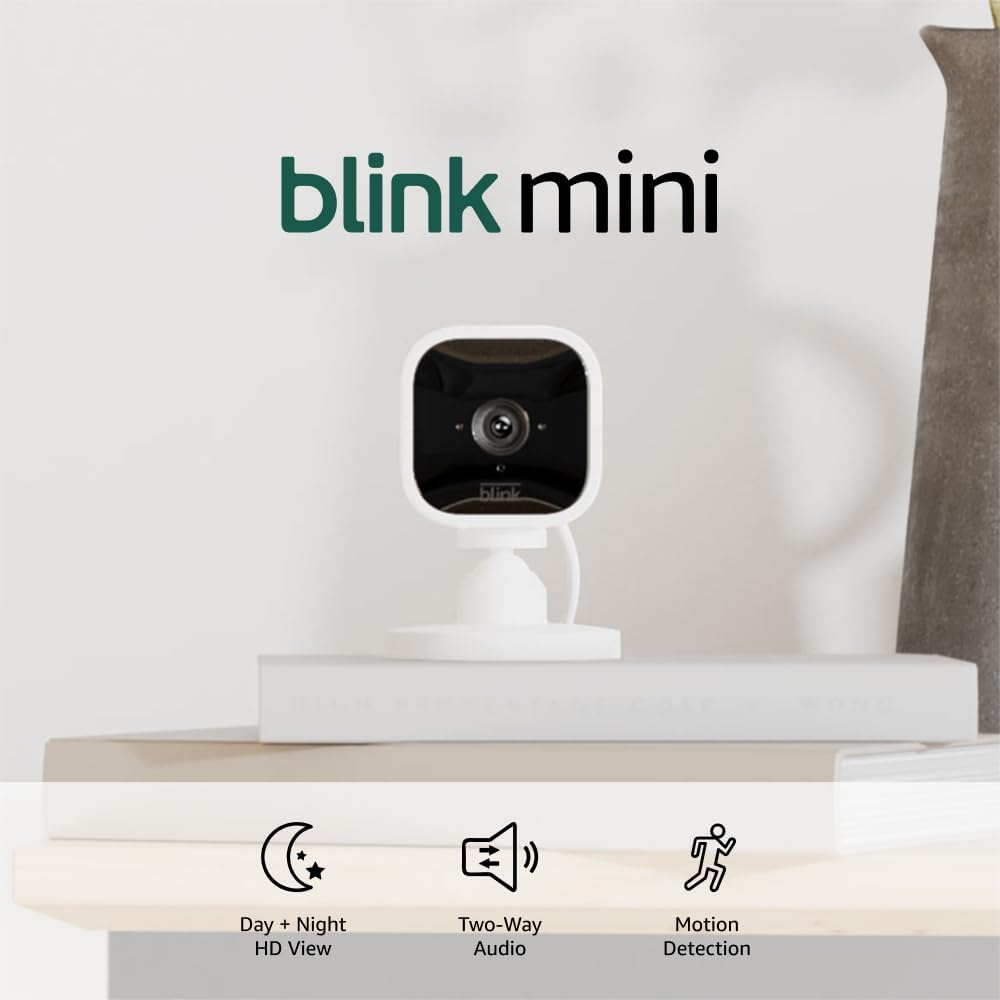
The Blink Mini 2K+ earns its place in this comparison specifically for live-view reliability. Owners using it as a baby monitor substitute consistently report fast, stable connections that hold for extended viewing sessions. PCMag’s review of the Blink Mini 2 — the generation preceding the 2K+ — highlighted low-latency live streaming as a standout characteristic relative to competitors at the same price point, a trait that carries forward in the updated model.
The 2K resolution is a genuine upgrade over the original Mini’s 1080p, and two-way audio receives above-average marks in owner testing — important if you want to actually speak to a dog or a toddler through the camera rather than just observe.
The subscription situation requires careful reading. The Blink Mini 2K+ can operate without a Sync Module for indoor plug-in use — you do not need additional hardware to get it running, and live view is free and unlimited. However, without either a Blink Subscription Plan or a Sync Module 2 with a USB drive attached, cloud clip storage is unavailable. For pure monitoring use — you just want to watch, not archive motion clips — that’s workable. For anyone who wants motion-triggered recordings saved for later review, the Sync Module 2 plus a USB drive is the cost-effective local storage path, bypassing the subscription entirely.
The Wirecutter / New York Times, in their Best Home Security Cameras guide (2025), notes the Blink ecosystem’s tight integration with Alexa as a meaningful strength for households already using Amazon Echo devices — pull up a camera feed on an Echo Show without touching your phone.
Blink
$9.99
In stock on Amazon
Check price on AmazonTP-Link Tapo C200 — The Scheduling Advantage
The Tapo C200 is a 1080p pan-and-tilt camera — it rotates horizontally and tilts vertically under app control, letting you sweep a room without physically repositioning the camera. For pet monitoring specifically, that range of motion is a real feature: a dog who wanders to the corner of a large room doesn’t disappear from the frame.
What Tapo owners highlight most consistently, though, is the alert scheduling system. The Tapo app allows you to define specific hours during which motion alerts are active and hours during which they’re suppressed. For pet monitoring, this translates to: alert me if the dog moves at 2 AM (when he should be sleeping), but don’t ping me every five minutes during the day when he’s just doing dog things. TechRadar, in their TP-Link Tapo C200 review (2023), calls the scheduling interface one of the more intuitive in the budget camera category.
Local storage via microSD (up to 256GB) is free, continuous recording is supported, and the base live-view functionality requires no subscription. Tapo does offer a paid cloud plan, but it’s genuinely optional for the monitoring use case — not a soft-paywall situation.
Night vision on the C200 is standard infrared — effective but black-and-white. If color night vision for a baby room is a priority, the Wyze v4’s spotlight approach is the stronger option here.
One honest consideration: the pan-tilt motor is audible. Owners in quiet environments — a sleeping baby’s room specifically — report that rotation noise is noticeable when the camera pans remotely. If you plan to pan the camera while an infant is asleep nearby, test that before positioning it permanently.
TP-Link
$15.96
In stock on Amazon
Check price on AmazonRing Indoor Cam (2nd Gen) — The Video Quality Tax
Ring’s Indoor Cam (2nd Gen) delivers the best out-of-box video quality in this group. CNET’s review of the Ring Indoor Cam (2nd Gen) rates its daytime clarity and color accuracy above the competition at this price point, and the Ring app experience is polished and reliable. If you’re already running Ring devices — a Ring Video Doorbell, Ring Alarm — the Indoor Cam integrates cleanly and shares a single app interface.
The subscription situation is where Ring becomes a considered tradeoff rather than a default recommendation. Ring Protect Basic costs approximately $10/month per camera or $100/year per camera (as of 2025–2026 published pricing), and without it, the camera records nothing — no cloud clips, no local storage option. Live view remains free, but you cannot review any recorded footage without an active subscription.
CNET’s Ring Indoor Cam review and SafeWise’s Best Indoor Security Cameras roundup both flag the mandatory subscription as the primary objection to Ring for budget-conscious buyers. The math is straightforward: over three years, a single Ring Indoor Cam on the Basic plan costs roughly $300 in subscription fees on top of the hardware price. Over five years, that approaches $500 per camera.
Night vision also lags the field: Ring Indoor Cam reviewers consistently note that the camera defaults to black-and-white infrared even in rooms with some ambient light, where the Wyze v4’s color night vision would deliver a color image. For baby room monitoring in a dim environment, that gap is meaningful.
WYZE
$35.97
In stock on Amazon
Check price on AmazonSubscription Cost Comparison at a Glance
| Camera | Local Storage (Free) | Cloud Free Tier | Annual Subscription | 3-Year Subscription Cost |
|---|---|---|---|---|
| Wyze Cam v4 | Yes — SD card up to 256GB | 12-sec event clips | ~$36/cam (Cam Plus, optional) | ~$108 optional |
| Blink Mini 2K+ | Via Sync Module 2 + USB drive | None without Sync Module | ~$30/cam (optional) | ~$90 optional |
| Tapo C200 | Yes — SD card up to 256GB | None | ~$36/cam (optional) | ~$108 optional |
| Ring Indoor Cam (2nd Gen) | None | None | ~$100/cam (required for recording) | ~$300 required |
Sources: Tom’s Guide Wyze Cam v4 review (2024); PCMag Blink Mini 2 review (2024); TechRadar TP-Link Tapo C200 review (2023); CNET Ring Indoor Cam (2nd Gen) review (2024); SafeWise Best Indoor Security Cameras (2025).
Decision Framework: If X, Then Y
If you want zero ongoing subscription cost and maximum flexibility: Wyze Cam v4 is the answer. Local SD recording, color night vision, and strong long-term owner durability reports make it the most capable free-tier camera in this group. Disable cloud storage if local-only use is sufficient and the 2023 privacy incident is a concern for you.
If live-view reliability is your single highest priority — baby monitor substitute use: Blink Mini 2K+ earns the nod. Add a Sync Module 2 and USB drive to unlock local clip storage without a monthly fee.
If you have a pet with a daily routine and motion-alert fatigue is a real problem: Tapo C200’s scheduling system solves this more elegantly than the others. The pan-tilt coverage is a bonus for larger rooms. Accept the black-and-white night vision limitation going in.
If you’re already deep in the Ring ecosystem and video quality is non-negotiable: Ring Indoor Cam (2nd Gen) is the quality choice — but budget the subscription into your decision from day one. Run the five-year total cost number before you buy.
If you’re a landlord or property manager deploying multiple indoor cameras: The subscription math compounds fast. Five cameras on Ring Protect Basic costs roughly $500/year in recurring fees. Five Wyze or Tapo units with local SD storage cost roughly $0/year after hardware. That delta funds meaningful equipment upgrades or additional coverage.
Frequently Asked Questions
Can I watch my pet live all day without a subscription? Yes — on all four cameras. Live view (real-time streaming through the app) is free on Wyze, Blink, Tapo, and Ring. Subscriptions gate recorded clip storage, not the ability to watch live. You can stream continuously all day on any of these cameras without a paid plan.
Does the Blink Mini 2K+ work without a Sync Module for indoor use? Yes, for plug-in indoor use. It connects to Wi-Fi directly and supports live view without a Sync Module. However, local clip storage requires a Sync Module 2 with a USB drive attached. Without that or a subscription, no clips are saved — only live viewing is available.
Will Wyze Cam v4 record locally to an SD card without any subscription? Yes. Insert a microSD card (up to 256GB), enable continuous recording in the Wyze app, and it records locally at no ongoing cost. No subscription is required for local storage or local playback.
Which of these cameras works in a completely dark room? All four have infrared night vision that functions in complete darkness. The Wyze Cam v4 goes further: its built-in spotlight illuminates the room in color even in total darkness, at the cost of a visible light source that may affect sleep. If you need invisible night vision in a fully dark room, infrared-only mode on any of the four cameras will work. If you want color video in a dark room and don’t mind a dim light, Wyze’s spotlight mode is the standout option.
Do I need a separate hub or base station for any of these plug-in cameras? No hub or base station is required for basic operation on any of these four cameras. They all connect directly to your home Wi-Fi. The Blink Sync Module 2 is an optional add-on that enables local USB storage for Blink cameras — useful for clip archiving, but not required to get the camera running or streaming live.