June 19, 2026 • Kwame Osei-Bonsu • 12 min reading time • Prices verified June 18, 2026
Renter-Proof Home Security: No-Drill, No-Subscription Alarm Kits That Move With You
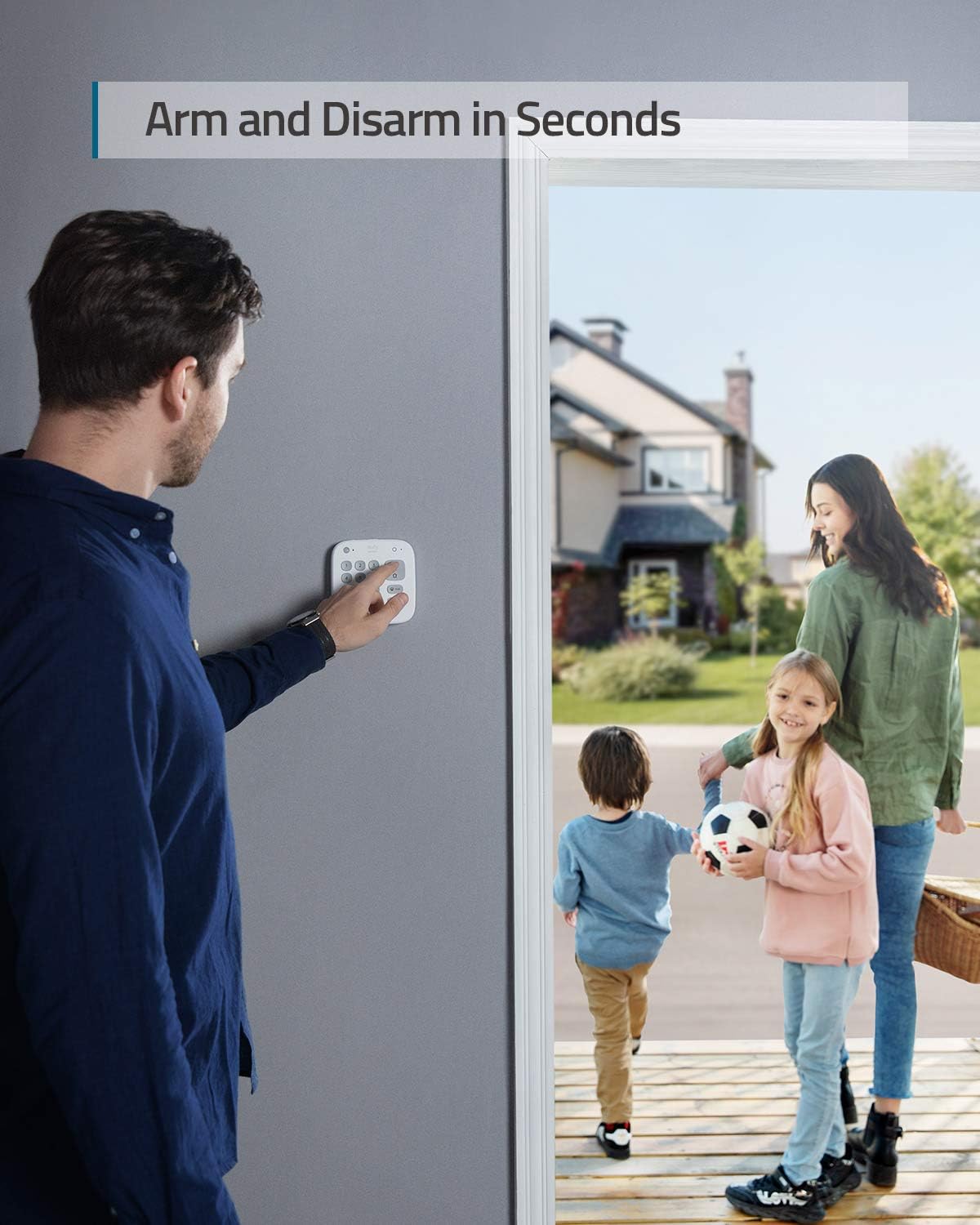
If you’re renting an apartment or house, home security comes with a frustrating catch: most alarm systems assume you own the walls. Professional installers drill holes for sensors, run cable through baseboards, and hardwire keypads next to the door — modifications that can cost you your security deposit or violate your lease outright. A “no-drill” alarm kit solves that problem by mounting entirely with industrial adhesive tape and pressure-fit brackets, so every component peels off cleanly when you hand back the keys. “No-subscription” means the system works — sounds the alarm, logs motion, arms and disarms — without you paying a recurring monthly fee to keep it alive. Both features matter enormously for renters, who move more often than homeowners and can’t afford to leave a $300 system bolted to a wall they don’t own. This guide breaks down the four most-discussed options in that category right now, names the real tradeoffs each one carries, and ends with a clear decision framework so you know exactly which kit fits your situation.
What “Renter-Proof” Actually Means in Practice
The phrase gets used loosely in marketing, so it’s worth pinning down what it requires in practice. A genuinely renter-proof security kit needs to clear three bars simultaneously:
1. Lease-safe installation. Every mounting point must use removable adhesive (3M Command-strip style) or a surface that requires no modification — door-frame pressure mounts, window clips, freestanding bases. Adhesive-mounted sensors are the standard solution for door and window contacts.
2. Portability without re-purchasing. The system has to reconfigure for a new address without a technician visit, a new contract, or a hardware swap. This rules out most professionally monitored systems where the panel is tied to a service address.
3. Functional without a fee. If the alarm only works — meaning it actually sounds — when you’re paying a monitoring subscription, then a lapsed payment or a move-related billing gap leaves you unprotected. No-subscription systems arm, detect, and sound locally regardless of cloud status.
Most systems on the market satisfy one or two of these conditions. Very few satisfy all three cleanly. The four kits below are the ones that come closest, with honest notes on where each falls short.
The Four Kits Worth Your Time
eufy Security 5-Piece Alarm Kit
The eufy kit is the most consistent performer in the renter category based on aggregated long-run owner reviews. The package typically includes a base station, keypad, motion sensor, and two door/window sensors — everything you need to cover a one- or two-bedroom apartment. Mounting is entirely adhesive; reviewers consistently report the sensors hold on painted hollow-core doors and standard door frames without any bracket reinforcement.
The subscription story is straightforward: there is none required. The system arms, detects intrusions, and triggers its 95 dB siren locally whether or not you pay for eufy’s optional HomeBase cloud storage. Apartment Therapy’s 2025 apartment security roundup calls out the eufy system specifically for its “genuinely usable free tier,” a meaningful distinction when most competitors gate phone alerts behind a paywall.
One reviewer, cited in eufy’s Amazon product listing aggregation, reported five years of reliable daily use — an unusually long data point for a product category where owners often churn after a year. The most common owner complaints are about the app’s notification lag on Android and the base station’s relatively modest siren volume compared to standalone units.
The tradeoff you need to name: eufy’s ecosystem is proprietary. Your eufy cameras, sensors, and base station work beautifully together, but they don’t integrate natively with Ring, SimpliSafe, or Z-Wave ecosystems. If you later want to layer in a professionally monitored system, you’re starting over on sensors. For a renter who moves every one to three years and wants a contained, self-managed solution, that’s an acceptable constraint. For a renter who thinks they’ll eventually buy and wants their gear to transfer into a bigger system, it’s a real limitation.
UltraPro Standalone Door/Window Alarms
The UltraPro units are a fundamentally different product category — they are not a system. Each sensor is an independent, battery-powered alarm that sounds 120 dB when its magnetic contact is broken. There is no hub, no app, no network connection, no setup beyond peeling the adhesive backing and sticking it to a door frame.
That simplicity is exactly the point. PCMag’s overview of standalone alarm devices notes that ultra-simple sensors like these are the fastest path to deterrence for renters who have no interest in managing an app or paying for any subscription, ever. Reviewers on the UltraPro listings surface two emotionally specific use cases that matter: a parent of a child with a developmental disability who wanders at night calls the instant, loud alert a “game changer”; a ground-floor apartment renter cites foot traffic from transients in the building as the specific threat they needed to address without waiting for building management.
Both use cases share a common thread: they need immediate, loud, local deterrence — not a phone notification that arrives 8 seconds after the fact. The 120 dB rating (louder than a power saw at close range) is manufacturer-specified, and reviewers consistently confirm it’s genuinely startling. Pre-installed batteries mean zero setup friction.
The tradeoff you need to name: The UltraPro gives you no phone alerts, no logging, no history, and no remote arming. Reviewers openly acknowledge this. If you’re not home when a door opens, you won’t know unless a neighbor tells you. For deterrence and in-home awareness — particularly for families with specific vulnerability concerns — it’s outstanding. As a primary security layer for a frequently-unoccupied apartment, it’s insufficient on its own.
By the Numbers
| System | Subscription Required to Function | Siren dB | App Required | Portable? |
|---|---|---|---|---|
| eufy 5-Piece Kit | No | 95 dB | Yes (optional) | Yes |
| UltraPro Standalone | No | 120 dB | No | Yes |
| SimpliSafe (self-monitored) | No (Standard plan optional) | 85–105 dB | Yes | Yes |
| Ring Alarm (self-monitored) | No | 104 dB | Yes | Yes, with caveats |
SimpliSafe — The System That Travels Well
SimpliSafe is a step up in sophistication: it’s a full system with a base station, keypad, sensors, and optional professional monitoring that you can cancel at any time without penalty. The key renter advantage is that the system runs locally — arms, detects, and sirens — even with no monitoring plan active. Security.org’s 2025 SimpliSafe review confirms that the Standard self-monitoring plan includes phone alerts and camera recording at a monthly cost, but the base hardware functions for deterrence with no plan at all.
The portability story is excellent. SimpliSafe has built account portability into its model: you log into your account, update your address, and the system re-registers to the new location. There is no technician visit, no service cancellation, no hardware swap. One reviewer in the SimpliSafe listing ecosystem notes they bought the system the same day as a neighborhood break-in — the plug-in-and-arm simplicity was a material factor. Another reviewer in aggregated feedback switched to SimpliSafe after three weeks of failure with a competing system (described by color in reviews, consistent with a well-known blue-branded competitor) and cited SimpliSafe’s local-first reliability as the deciding factor.
The tradeoff: Mounting is adhesive-based for sensors, but SimpliSafe’s base station requires a flat surface and a power outlet — not drilled in, but it’s a physical anchor point that needs thought in a small apartment. Also worth noting: SimpliSafe’s camera ecosystem is solid but proprietary, and their indoor cameras have had firmware update cycles that some long-run reviewers describe as inconsistent.
Ring Alarm — The Friction You Didn’t Expect
Ring Alarm is the name most renters encounter first because of brand recognition. The hardware is genuinely capable: sensors are adhesive-mountable, the base station is compact, and the system works without a Ring Protect monitoring subscription — meaning the siren fires locally even if you’re not paying monthly. Tom’s Guide’s 2025 Ring Alarm review rates the system’s reliability and sensor responsiveness positively.
However, the renter experience with Ring surfaces a friction point that multiple reviewers flag explicitly: Ring’s Terms and Conditions are presented mid-installation — not before purchase, not at account creation, but partway through the setup flow. One reviewer notes in aggregated feedback that they weren’t shown the T&C until they were already several steps into activating the device. For a practitioner audience, this is a data point about Ring’s commercial priorities, not a dealbreaker — but it’s worth knowing before you’re 20 minutes into setup.
Moving with Ring Alarm also requires an account address update and a hardware reset if you’re moving the base station to a new location. The process is manageable but not as seamless as SimpliSafe’s renter-optimized flow. SafeWise’s apartment security systems guide notes that Ring’s strength is in its broader ecosystem (video doorbells, cameras, smart lighting) rather than its standalone alarm portability.
The tradeoff: Ring is the right answer if you’re already in the Ring camera ecosystem and want a unified app. It’s a harder sell as a standalone alarm kit for pure portability.
Adhesive Mounting: Does It Actually Hold?
This question comes up in nearly every renter security review thread, and the honest answer has two parts. Industrial adhesive like 3M VHB — which most of these kits use — holds reliably on smooth, painted, or primed surfaces. Apartment Therapy’s testing notes and aggregated owner feedback consistently show that sensors stay mounted on standard hollow-core interior doors and smooth door frames for years without failure, including in humid climates.
The failure mode is specific: textured, unprimed, or porous surfaces (rough brick, unsealed wood, old textured paint) cause adhesive to fail faster, sometimes within weeks. Doors that slam frequently — particularly exterior doors in drafty apartments — create vibration stress that can loosen poorly applied adhesive over time. The mitigation is simple: clean the surface with isopropyl alcohol before applying, press firmly for 30 seconds, and don’t arm the system for 24–48 hours after installation to let the adhesive cure. That protocol resolves the majority of adhesive failure reports.
The Decision Framework
If you’re a renter with a current move pending or an apartment with an immediate security gap, here’s the if/then structure:
If you want zero recurring cost and zero app dependency → UltraPro standalone sensors on every exterior door and window. Accept that you’ll have no remote alerts and add a eufy or SimpliSafe system later if your needs evolve.
If you want a full system with phone alerts and no mandatory subscription → eufy 5-piece kit. Best fit for a single apartment with stable internet, a renter who stays in place 1–3 years, and no plans to integrate a larger smart-home system.
If you move frequently and might eventually want professional monitoring → SimpliSafe. The account portability is purpose-built for renters, the upgrade to monitored service is one button, and the cancel-anytime model means you’re never locked in.
If you’re already invested in Ring cameras and want one unified app → Ring Alarm, with eyes open to the T&C friction and the slightly less smooth moving process.
The worst outcome isn’t picking the “wrong” system — it’s leaving the security gap open because the decision felt too complicated. Any of these four kits, installed this weekend with no drill and no landlord conversation required, is meaningfully better than none.
Frequently Asked Questions
Can I take my SimpliSafe or eufy system with me when I move apartments? Yes, both systems are designed for this. SimpliSafe lets you update your service address through your online account with no hardware changes required. eufy sensors and the base station simply unplug and re-adhere at the new location. Neither system requires a technician visit or a new purchase when you move.
Does eufy’s alarm system require a monthly subscription to function? No. The eufy alarm kit arms, detects intrusions, and sounds its local siren with no subscription. eufy offers optional cloud storage and remote camera access plans, but the core alarm function — the part that keeps your apartment safer — works without paying anything beyond the initial hardware cost. CNET’s overview of no-monthly-fee home security systems confirms eufy as one of the cleaner examples of a genuinely functional free tier.
How loud is the UltraPro door alarm — loud enough to actually scare someone? The manufacturer rates the UltraPro at 120 dB, which is roughly equivalent to a chainsaw heard at close range. Reviewers consistently confirm the alarm is genuinely startling. Whether it deters a specific intruder depends on context, but the decibel level is high enough to wake sleeping occupants, alert neighbors in adjacent units, and create the kind of immediate sensory disruption that motivates most opportunistic intruders to leave.
Will Ring Alarm work without professional monitoring? Yes. Ring Alarm’s base station sounds its local siren when a sensor is triggered regardless of whether you have a Ring Protect monitoring plan. The difference with a paid plan is that Ring’s monitoring center can dispatch emergency services on your behalf. Without the plan, you get the local alarm and — with the app installed — push notifications to your phone.
What happens to my Ring Alarm account if I move and need to change the address? You update the address through the Ring app or Ring.com account portal. The base station requires a factory reset and re-pairing if you’re moving it to a new location, which is more involved than SimpliSafe’s process. Ring’s support documentation walks through the steps, but reviewers note it takes 20–40 minutes for a full reset and re-setup versus a few minutes for an address-only update on SimpliSafe.
Is adhesive mounting strong enough to keep sensors on a door that slams frequently? On smooth, clean surfaces — yes, with proper prep. The key steps are cleaning with isopropyl alcohol, applying firm pressure for at least 30 seconds, and waiting 24–48 hours before arming the system so the adhesive can fully cure. Doors that slam hard repeatedly on rough or textured frames are higher risk; in those cases, supplementing with a small piece of additional 3M VHB tape around the sensor edge significantly extends hold time. Apartment Therapy’s security guide and aggregated owner reviews both point to surface prep, not adhesive quality, as the primary variable in long-term hold success.