June 5, 2026 • Kwame Osei-Bonsu • 11 min reading time • Prices verified June 18, 2026
Ring Alarm 5-Piece vs. 8-Piece vs. 14-Piece: Sizing Your DIY System to Your Actual Home
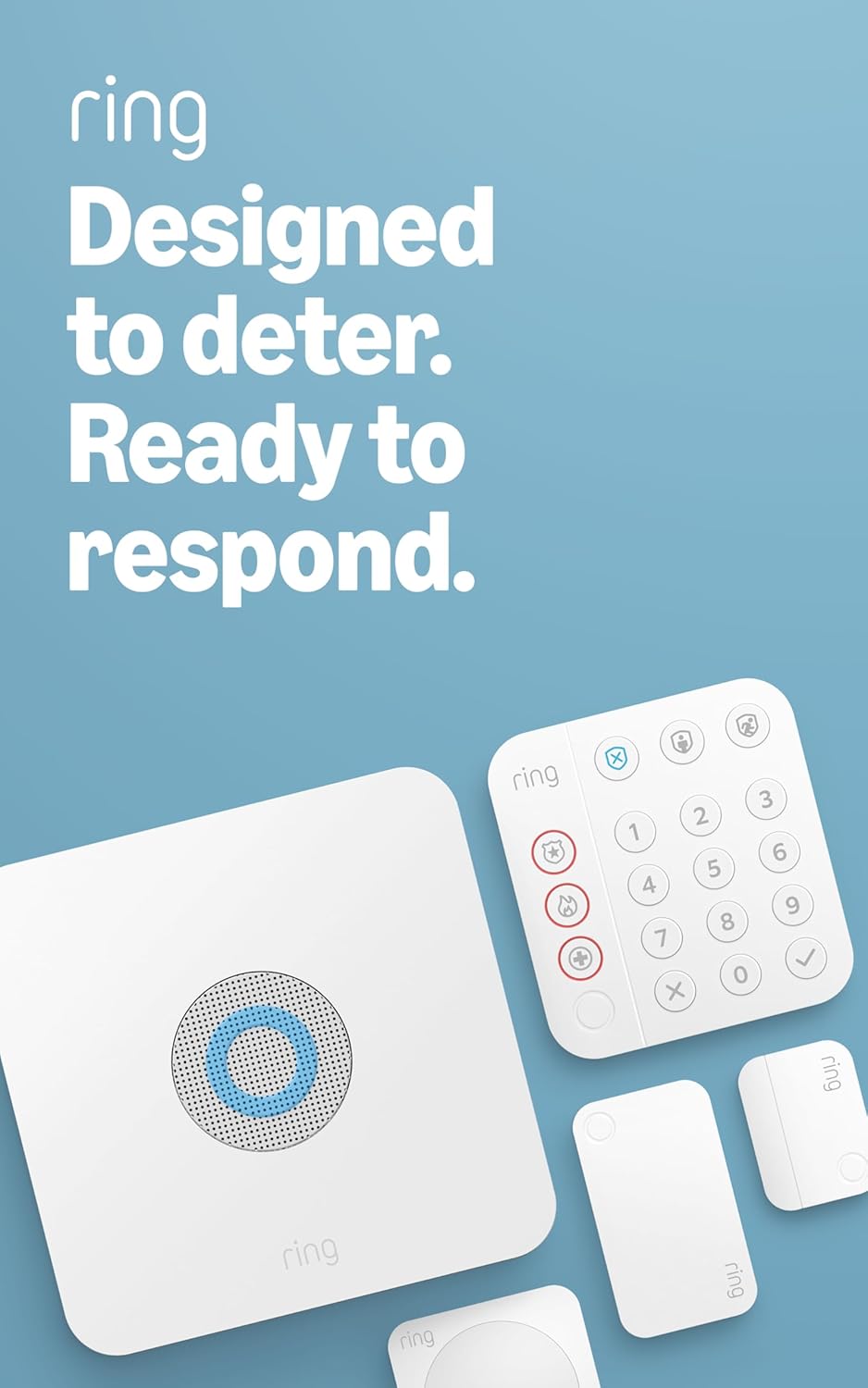
Ring Alarm is a do-it-yourself home security system — meaning you buy the hardware, set it up yourself without a technician, and choose whether or not to pay for professional monitoring (where a 24/7 call center watches for alerts and can dispatch emergency services). Ring sells its alarm in three pre-bundled kit sizes: a 5-piece starter, an 8-piece mid-tier, and a 14-piece whole-home package. Each kit includes a central hub (called a Base Station), a keypad, and a mix of contact sensors (small magnetic devices that detect when a door or window opens) and motion detectors. The question this guide answers is simple but consequential: which kit actually maps to your home’s layout, and which one will leave you either underprotected or holding redundant hardware? If you have a pending purchase decision, this is the analysis you need before you click confirm.
Something worth acknowledging upfront: many Ring Alarm buyers arrive at the purchase through a concrete, often unsettling moment — a stolen bike, a neighborhood break-in, a concrete block through a neighbor’s window. If that’s you, the urgency is real, but it’s also the exact moment when it’s easiest to over-buy or under-plan. This guide is designed to slow that decision down by exactly enough to get it right.
What’s Actually in Each Kit
Before comparing, let’s put the hardware on the table.
By the numbers:
| Kit | Base Station | Keypad | Contact Sensors | Motion Detector | Range Extender |
|---|---|---|---|---|---|
| 5-Piece | 1 | 1 | 2 | 1 | 0 |
| 8-Piece | 1 | 1 | 4 | 2 | 1 |
| 14-Piece | 1 | 1 | 8 | 2 | 1 |
Every kit anchors on the same Base Station — Ring’s Z-Wave hub that communicates with all sensors and connects to your Wi-Fi. The keypad is your arm/disarm interface. Contact sensors cover individual door and window openings; motion detectors cover rooms or hallways in a wider sweep. The range extender in the 8- and 14-piece kits matters in larger homes where Z-Wave signals can degrade through thick walls or across long distances.
One thing owners consistently note across aggregated reviews on PCMag’s Ring Alarm Pro coverage and CNET’s Ring Alarm review: all devices in the kit arrive pre-paired to the Base Station. You are not manually adding each sensor via a code or pairing procedure — the system recognizes them on first power-up. Setup that owners anticipated would take a half-day routinely clocks in under an hour. That’s not marketing language; it’s a pattern across hundreds of long-form owner reviews, and it’s a legitimate differentiator for buyers who’ve wrestled with legacy alarm systems.
Mapping Kit Size to Actual Home Layouts
This is where most buying guides fail you — they describe the kits without connecting them to real floor plans. Here’s the honest sizing logic.
The 5-Piece Kit is an apartment or small home starter. Two contact sensors and one motion detector is not enough to fully cover even a modest single-family home, but it’s a rational foundation for a one- or two-bedroom apartment. In a typical apartment, you cover the front door (contact sensor 1), a patio or secondary door (contact sensor 2), and use the motion detector to sweep the main living area. That’s genuinely functional coverage for a renter who wants professional monitoring without a contract and doesn’t need to cover six windows. SafeWise’s Ring Alarm review reinforces this framing: the 5-piece kit is a starting point, not a complete solution for most houses.
The 8-Piece Kit is the right entry point for a 2–3 bedroom house with a standard layout. Four contact sensors cover front door, back door, and two additional entry points — typically a garage entry door and one sliding door or ground-floor window. Two motion detectors let you cover the main hallway and one secondary zone. This is the kit that makes sense for first-time homeowners or landlords setting up a single-family rental who want meaningful coverage without buying extra sensors immediately.
The 14-Piece Kit is the answer for a 3–4 bedroom home or any property with a complex entry-point count. Eight contact sensors can cover every exterior door plus several ground-floor windows — which is the coverage level that actually maps to how burglaries occur. Per Security.org’s research on DIY home security systems, ground-floor entry points (doors and accessible windows) account for the overwhelming majority of residential break-in access points. Eight sensors finally lets you cover all of them in a typical two-story house without add-on purchases.
For a standard 3-bedroom, 2-bath single-family home: count your exterior doors (typically 2–3), count your ground-floor windows (often 6–10), and decide which windows represent realistic entry threats given your lot layout. Most owners land at needing 6–8 contact sensors total, which makes the 14-piece kit the one that doesn’t require immediate expansion.
The Subscription Question: What You Actually Get Without Paying Monthly
This comes up in nearly every owner conversation, and the answer is more useful than Ring’s marketing makes it sound.
Ring Alarm works without any subscription. Without a plan, you still get: local alarm sounding when a sensor triggers, smartphone notifications, and manual control via the app. What you don’t get: professional 24/7 monitoring (a call center that can dispatch police or fire), cellular backup (if your internet goes down, the system loses app connectivity without Ring Protect Plus), and extended video history if you have Ring cameras paired to the system.
Ring Protect Basic covers a single device for video history only — it doesn’t include alarm monitoring. Ring Protect Plus (approximately $20/month or $200/year as of mid-2026) covers the alarm monitoring plus video history for all Ring cameras on the account. Ring Protect Pro adds 24/7 backup internet via cellular and a built-in virtual security guard feature.
Here’s the cost anchor that cuts through the noise: one long-term owner documented switching from ADT at $74/month. Ring Protect Plus at $200/year represents roughly a $688 annual savings against that baseline — before accounting for the elimination of a long-term contract. Tom’s Guide’s Ring Alarm review notes this is the category’s core value proposition and it holds up under scrutiny.
The scheduled arm/disarm routine deserves its own mention here. Long-term owners — including one 4-year owner whose experience surfaces repeatedly in aggregated owner coverage — consistently name this as Ring’s underrated killer feature. You can set the system to automatically arm in Away mode when you typically leave and disarm when you return, without touching the keypad or app. For landlords managing a property remotely or short-term rental hosts coordinating with guest check-in times, this shifts from convenient to operationally essential.
What to Expand First, and What to Skip
Once a kit is installed, owners predictably follow a consistent upgrade path. The most common first expansion is additional contact sensors — specifically window sensors for ground-floor windows that weren’t covered by the starter kit. This is true across the 5-piece and 8-piece cohorts. Ring sells individual contact sensors, and adding them is identical to the initial setup experience: they arrive pre-paired to nothing, you add them through the Ring app in roughly two minutes each.
The glass break sensor question is genuinely debated. Glass break sensors detect the specific acoustic frequency of shattering glass — useful if a window is broken without being opened (bypassing a contact sensor). One 14-piece kit owner specifically and publicly reasoned through declining the glass break sensor: if every ground-floor window already has a contact sensor and the window frame is opened after breaking, the contact sensor fires anyway. The only gap is a smash-and-grab where someone reaches through broken glass without lifting the sash — which is a real scenario but a less common one than the sensor’s marketing suggests.
The honest answer: if you have complete contact sensor coverage on all ground-floor windows, a glass break sensor is an optional enhancement, not a coverage gap. If you have windows you couldn’t afford sensors for, a glass break sensor can partially compensate. PCMag’s Ring Alarm Pro review characterizes add-on glass break sensors similarly — useful in specific layouts, not universally necessary.
The second most common expansion is a second keypad — particularly useful for two-story homes or garages where the primary keypad is inconvenient to reach.
The Contact Sensor Tamper Mode Problem (And the Fix)
This is documented frequently enough that it warrants direct treatment rather than a footnote.
Some Ring contact sensors ship in a state where the app reports “Tampered” — meaning the sensor believes its cover has been removed or improperly seated, which triggers a supervisory alert rather than a security alert. This prevents the sensor from functioning normally and creates persistent low-battery or tamper notifications.
One methodical owner worked through an entire six-pack of sensors before isolating the issue. The resolution that consistently works, per aggregated owner troubleshooting reports:
- Remove the sensor cover completely.
- Remove and reinsert the battery.
- Reseat the cover firmly until it clicks — the tamper switch requires full engagement with the housing.
- If the tamper alert persists in the app, remove the device from your Ring account and re-add it.
The tamper detection is a feature, not a defect — it’s designed to alert you if someone pries a sensor open to defeat it. The problem is that manufacturing tolerance variation means some sensors ship with the tamper switch not fully seated. The fix is mechanical, not electrical, and owners who work through it consistently report the sensor functioning normally afterward. If a unit won’t clear tamper status after a full battery cycle and re-add, Ring’s support line has replaced defective units without friction in documented owner reports.
Frequently Asked Questions
Why do Ring contact sensors keep going into tampered mode and how do I fix it? The tamper switch inside the sensor housing isn’t fully engaging with the cover. Remove the cover, pull and reinsert the battery, then reseat the cover with firm pressure until it clicks. If the alert persists, delete the device from your Ring app and re-add it. Units that don’t resolve after this process can be replaced through Ring support.
Do Ring Alarm kits come pre-paired or do I have to add each sensor manually? Kit sensors arrive pre-paired to the Base Station included in the same kit. You still walk through the Ring app setup to name each device and assign it to a room, but there’s no manual Z-Wave inclusion process. Plan for 45–75 minutes of total setup time for a full 14-piece kit.
Can I use Ring Alarm without any monthly subscription? Yes. Without a subscription, you get local alarm sounding, app notifications, and manual control. You lose professional monitoring, cellular backup, and extended video history. The system is functional for self-monitoring without any recurring cost.
How many contact sensors do I actually need for a 3-bedroom house? Count every exterior door (typically 2–3) and every ground-floor window you consider a realistic entry threat (often 4–6 in a standard layout). Most 3-bedroom homes need 6–8 contact sensors for comprehensive coverage. The 14-piece kit’s 8 sensors typically achieves full coverage; the 8-piece kit’s 4 sensors will require expansion.
Is a glass break sensor necessary if I already have window contact sensors? Not if you have contact sensors on every ground-floor window. A glass break sensor covers the specific scenario where glass is broken without the window frame being opened — a real but less common entry method. With full contact sensor coverage, a glass break sensor is an enhancement, not a gap-filler.
What is the first expansion piece most owners add after the starter kit? Additional contact sensors for windows that the starter kit didn’t cover. This is the most common and highest-value expansion, followed by a second keypad for multi-story homes or garage access points.
The Decision Rule
If you’re in a one- or two-bedroom apartment or you want to validate the Ring ecosystem before committing: start with the 5-Piece Kit, plan to add 2–4 individual contact sensors within 90 days.
If you own or manage a 2–3 bedroom single-family home with a standard door layout and want functional (not exhaustive) coverage out of the box: the 8-Piece Kit is the right anchor, with budget for 2–3 additional contact sensors.
If you have a 3–4 bedroom home, multiple ground-floor windows you’re not willing to leave unmonitored, or you’re setting up a short-term rental where you want zero post-install sensor shopping: buy the 14-Piece Kit once. The per-sensor cost in the larger kit is lower than buying individual sensors later, and the range extender it includes matters in houses over 1,500 square feet.
The subscription decision is separate from the kit decision. Start without monitoring, run the system self-monitored for 30 days, and then decide whether the $200/year for Ring Protect Plus is worth it against your actual alert frequency and comfort level. Most owners who intended to self-monitor long-term end up subscribing — but it should be a choice made with data, not defaulted into at checkout.