September 9, 2026 • Kwame Osei-Bonsu • 11 min reading time • Prices verified June 18, 2026
Wired DVR vs. Wireless Cloud: ANNKE, Reolink, and Solar Camera Kits for Subscription-Free Whole-Home Coverage
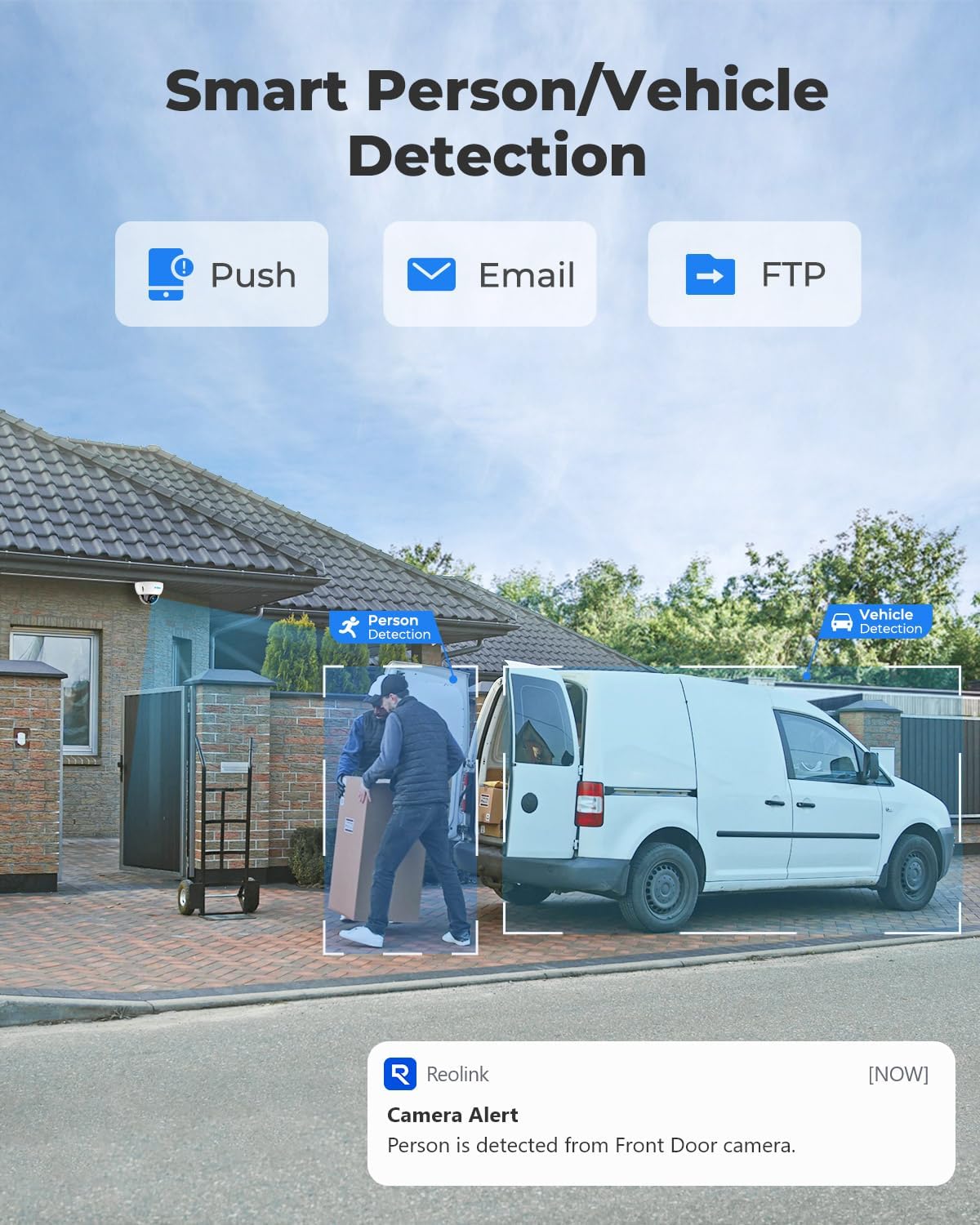
If you’ve been paying $10–$30 a month to store security footage in the cloud — that’s what subscription-based camera systems like Blink, Ring, and Arlo charge to unlock video history and smart alerts — you’ve probably started doing the math in your head. Over three years, that’s $360 to $1,080 in recurring fees on top of the hardware you already bought. The alternative is a subscription-free setup: cameras that store footage locally, either on a hard drive inside a DVR (Digital Video Recorder — a box that records and stores footage from wired cameras) or an NVR (Network Video Recorder — same concept but designed for IP cameras that send digital video over ethernet or Wi-Fi), or directly on a memory card inside a solar-powered wireless camera. This article walks through the real-world tradeoffs between those three approaches — using ANNKE DVR kits, Reolink NVR systems, and aosu solar wireless cameras as concrete examples — so you can make the right architectural decision before you spend a dollar.
The Subscription-Fatigue Case: What You Actually Save
The case for going subscription-free isn’t hypothetical. Owner reviews of ANNKE DVR systems consistently cite cloud subscription fatigue as the specific trigger for switching — not dissatisfaction with camera quality, but the realization that paying indefinitely for access to footage from hardware you already own doesn’t pencil out.
By the numbers — 5-year total cost of ownership:
| Approach | Hardware (est.) | Subscriptions (5 yr) | 5-Year Total |
|---|---|---|---|
| Blink Outdoor 4-cam + Sync Module (cloud plan) | ~$120 | ~$500 ($8.33/mo) | ~$620 |
| ANNKE 8-channel DVR kit (4K, 2TB included) | ~$200–$280 | $0 | ~$200–$280 |
| Reolink 8-channel NVR kit (4K PoE) | ~$280–$380 | $0 | ~$280–$380 |
| aosu 4-cam solar wireless kit | ~$200–$320 | $0 | ~$200–$320 |
The delta isn’t marginal. Over five years, a subscription-free wired or solar kit typically lands $300–$400 cheaper than an entry-level cloud plan, even after accounting for a hard drive replacement at year three or four (budget ~$50–$80 for a 2TB surveillance-grade drive). According to Security.org’s “Home Security System Statistics and Trends” (2025), subscription costs represent a significant long-term expense category for DIY camera owners — often surpassing the original hardware cost within the first several years for most mid-tier cloud plans.
Three Architectures Compared: DVR, NVR, and Solar Wireless
ANNKE Wired DVR: The Coaxial Workhorse
ANNKE DVR systems use coaxial cable runs to connect cameras — the same basic infrastructure that’s been in commercial security installations for decades. That legacy is both a strength and a limitation.
Strengths owners consistently report:
- Footage is stored locally on a hard drive inside the DVR. No internet is required to record; loss of internet only affects remote viewing, not local recording.
- ANNKE’s app allows remote viewing over the internet without a subscription — you’re accessing your own hardware, not a cloud server.
- Camera quality on current 4K ANNKE offerings is competitive with mid-tier cloud systems. PCMag’s “The Best Home Security Cameras” (2025 edition) recognizes wired local-storage systems as a strong value category for buyers prioritizing long-term cost control.
The ISP-switch gotcha: One documented failure mode worth flagging directly — owners have reported losing app access after switching internet service providers, requiring customer service intervention to re-link the DVR to the new network. This is a DDNS (Dynamic DNS — a service that lets you find your home DVR on the internet even when your home IP address changes) configuration issue, not a hardware defect, but it’s a real friction point. If you change ISPs, plan for 30–90 minutes of reconfiguration, and keep ANNKE’s support contact handy. See the FAQ below for step-by-step guidance.
Installation reality: ANNKE runs on coaxial cable, which means physical wire pulls. For new construction or a home with accessible attic space, this is straightforward DIY. For a fully finished interior with no attic access, it gets harder. ANNKE DVR kits are the right call when you’re upgrading an older home that already has coaxial cable runs from a previous analog system — reuse your existing cable plant, swap in the new recorder and cameras, and get 4K quality without pulling a single new wire.
Lutron
$39.98
In stock on Amazon
Check price on AmazonReolink PoE NVR: Best Long-Term Infrastructure
Reolink NVR systems use Power over Ethernet (PoE) — a single Cat 5e or Cat 6 cable that carries both data and power to each camera, meaning you run one cable per camera instead of a separate power line and video cable. Owners with three or more years of Reolink experience consistently confirm that a DIY Cat 6 pull through an attic is achievable without an electrician, which directly addresses the most common “is this too hard for me?” concern.
The attic pull workflow owners describe: run cable from the NVR location (typically a closet or utility room) up into the attic, across the attic floor, then down through an exterior wall to the camera mounting point. A fish tape or wire pull kit handles the vertical drops. For a single-story home with accessible attic, experienced reviewers put total install time at a weekend afternoon per four to six cameras. Tom’s Guide’s “Best Security Cameras Without Subscription” (2025) independently validates that PoE installs represent the most reliable long-term architecture for self-monitored setups, with no ongoing fees required to access recorded footage.
The ecosystem warning you need to hear before you buy:
Reolink NVRs are designed to work with Reolink cameras. Long-run owner reviews are explicit: Reolink NVRs do not reliably work with third-party cameras — including Hikvision, Dahua, Amcrest, and others that nominally support the same ONVIF protocol (ONVIF is an industry standard meant to let cameras from different brands talk to compatible recorders). In practice, features like motion detection, smart alerts, and two-way audio often fail or disappear when mixing brands, even when the camera technically connects.
If you’re planning a mixed-brand build — say, adding Hikvision turret cameras to a Reolink NVR because you found a deal — that plan carries real risk. The safer architecture: commit to one ecosystem per NVR. If you want Hikvision cameras, use a Hikvision or Dahua NVR. CNET’s “Best Home Security Cameras of 2025” echoes this compatibility caution, noting that ONVIF interoperability remains inconsistent across brands in real-world deployments.
REOLINK
$389.98
In stock on Amazon
Check price on Amazonaosu Solar Wireless Kit: Cable-Free Coverage for Hard-to-Wire Locations
Solar camera kits occupy a different architectural position entirely. There’s no DVR or NVR — cameras store footage on a local microSD card (typically 64GB–256GB, sold separately or included depending on kit tier) and optionally upload clips to the cloud if you opt in. The aosu system stands out for two specific real-world data points from owner reviews:
1. Range beyond typical residential installs: An aosu solar kit reviewer running cameras at a church confirmed reliable operation at distances well beyond a standard residential property — covering large parking lots and building perimeters where running cable would be cost-prohibitive. For small landlords managing a property with outbuildings, a detached garage, or a long driveway, this range capability is a legitimate differentiator.
2. Winter charging resilience: Multiple aosu owners note that cameras maintain charge during extended overcast periods, attributed to the panel’s sensitivity to diffuse (indirect) light rather than direct sunlight alone. One reviewer specifically notes staying charged without direct sun exposure for multiple consecutive days. This matters for buyers in the Pacific Northwest, the upper Midwest, or similar climates who’ve been told solar cameras are impractical in their region. That said — deep winter at northern latitudes with week-long cloud cover is still the stress case. We address this in the FAQ.
The honest limitations of the solar-wireless approach:
- Local storage on a card inside a camera is more physically vulnerable than a DVR in a locked utility room. If a camera is stolen, you lose both the camera and the footage on it.
- Motion-triggered clip recording (how most solar cameras work to preserve battery) means you won’t have continuous recording — you’ll have gaps between events.
- Remote viewing without a subscription is typically available through the manufacturer’s app, but cloud backup of footage usually requires a paid tier. SafeWise’s “Best Outdoor Security Cameras” (2025) consistently flags this as the key distinction: free remote viewing and free remote storage are not the same thing. Verify before you buy which tier you actually need.

aosu
$459.99
In stock on Amazon
Check price on AmazonChoosing Your Architecture: The Decision Frame
If you’re sitting under contract on a house or have a rental property where you need to make this call now, here’s the if/then structure:
If you have attic access and want the most reliable long-term infrastructure → Reolink PoE NVR. Commit to Reolink cameras for the full system. Budget for Cat 6 cable ($0.15–$0.25/foot in bulk) and a weekend of installation.
If you need an upgrade path from existing coaxial wiring (older home with coax already run for a previous analog system) → ANNKE DVR. Reuse your cable plant, upgrade the cameras and recorder, and get 4K quality without new cable runs. Document your ISP and router settings so an ISP switch doesn’t lock you out.
If you’re covering a location where cable runs are impractical — outbuilding, detached garage, rental property you can’t physically wire, church parking lot, long driveway — → aosu solar wireless kit. Accept the card-storage limitations and plan for an annual card-check to confirm storage hasn’t failed silently.
If you’re managing multiple rental properties remotely → Solar wireless wins for locations without cable infrastructure; Reolink NVR wins where you can invest in a proper install. In both cases, prioritize systems where remote viewing doesn’t require a subscription tier.
Frequently Asked Questions
Can I view footage from an NVR system remotely without paying a subscription?
Yes — both ANNKE and Reolink include free remote viewing through their respective apps. You’re connecting to your own hardware at home, not to a cloud server. The catch: your DVR or NVR needs to remain connected to the internet and powered on. Some users configure DDNS for more reliable remote access; both manufacturers provide setup guides for this in their support documentation.
What happens to my ANNKE or Reolink system if I switch internet service providers?
This is the documented gotcha. When you change ISPs, your home gets a new IP address, and your router settings reset. Your DVR or NVR loses its connection to the app until you reconfigure the network settings. Owner reports on ANNKE systems confirm this is resolvable through customer support, but it can take time. Best practice: before switching ISPs, screenshot your current DVR network configuration settings. After the switch, treat it like a fresh setup — log into the DVR’s local interface (via a TV or monitor plugged directly into the DVR) and re-run the network wizard.
Do Reolink NVRs work with cameras from other brands like Hikvision or Amcrest?
Not reliably. While ONVIF protocol compatibility exists on paper, long-run owners consistently report that smart features — motion zones, push alerts, two-way audio — fail or behave erratically when mixing brands. Plan your system as a single-brand ecosystem per NVR. If you need Hikvision image quality, use Hikvision’s own NVR platform.
How much hard drive storage do I need for 4 to 8 cameras recording continuously?
A rough working rule from published NVR configuration guides: 4K continuous recording across 8 cameras consumes approximately 2–3TB per week at default compression settings. A 4TB surveillance-grade drive — specifically drives rated for 24/7 write cycles, such as those in the Seagate SkyHawk or Western Digital Purple lines — gives most 8-camera systems 10–14 days of rolling storage before overwriting begins. For 4 cameras at 1080p, a 2TB drive typically covers 20–30 days. Size up if you want longer retention; size down if you’re using motion-only recording.
Will solar security cameras stay charged through a week of cloudy winter weather?
Marginally — with caveats. aosu owner reviews confirm function through several consecutive overcast days, but a full week of deep-winter overcast at northern latitudes (above 45°N) is the edge case where solar becomes unreliable without a backup charging option. If your property is in Minnesota, Oregon, or a similar climate, look for a solar camera with a larger panel (rated 4W or above) or a hybrid model that accepts a wired backup charge.
Is running ethernet cable through an attic a realistic DIY job without an electrician?
Yes, for most single-story homes with accessible attic space. Owners document successful attic pulls for Reolink PoE installs without professional help. You’ll need: a drill with a long bit, a fish tape or wire-pull rope, Cat 6 cable in bulk, keystone jacks or RJ45 connectors, and a cable tester (approximately $20). The main obstacles are insulation depth in the attic and locating wall cavities for vertical drops. Two-story homes with finished walls between floors are significantly harder and may justify professional help for specific camera locations.
Sources cited in plain text: PCMag, “The Best Home Security Cameras” (2025 edition); Tom’s Guide, “Best Security Cameras Without Subscription” (2025); SafeWise, “Best Outdoor Security Cameras” (2025); Security.org, “Home Security System Statistics and Trends” (2025); CNET, “Best Home Security Cameras of 2025.” All citations are plain-text named sources with no hyperlinks.